

Reports & White Papers
5 reasons enterprise test automation is so challenging
Most organizations understand that test automation is essential for...
Discover how AI usability testing improves user research, accelerates insights, and complements traditional usability testing methods.
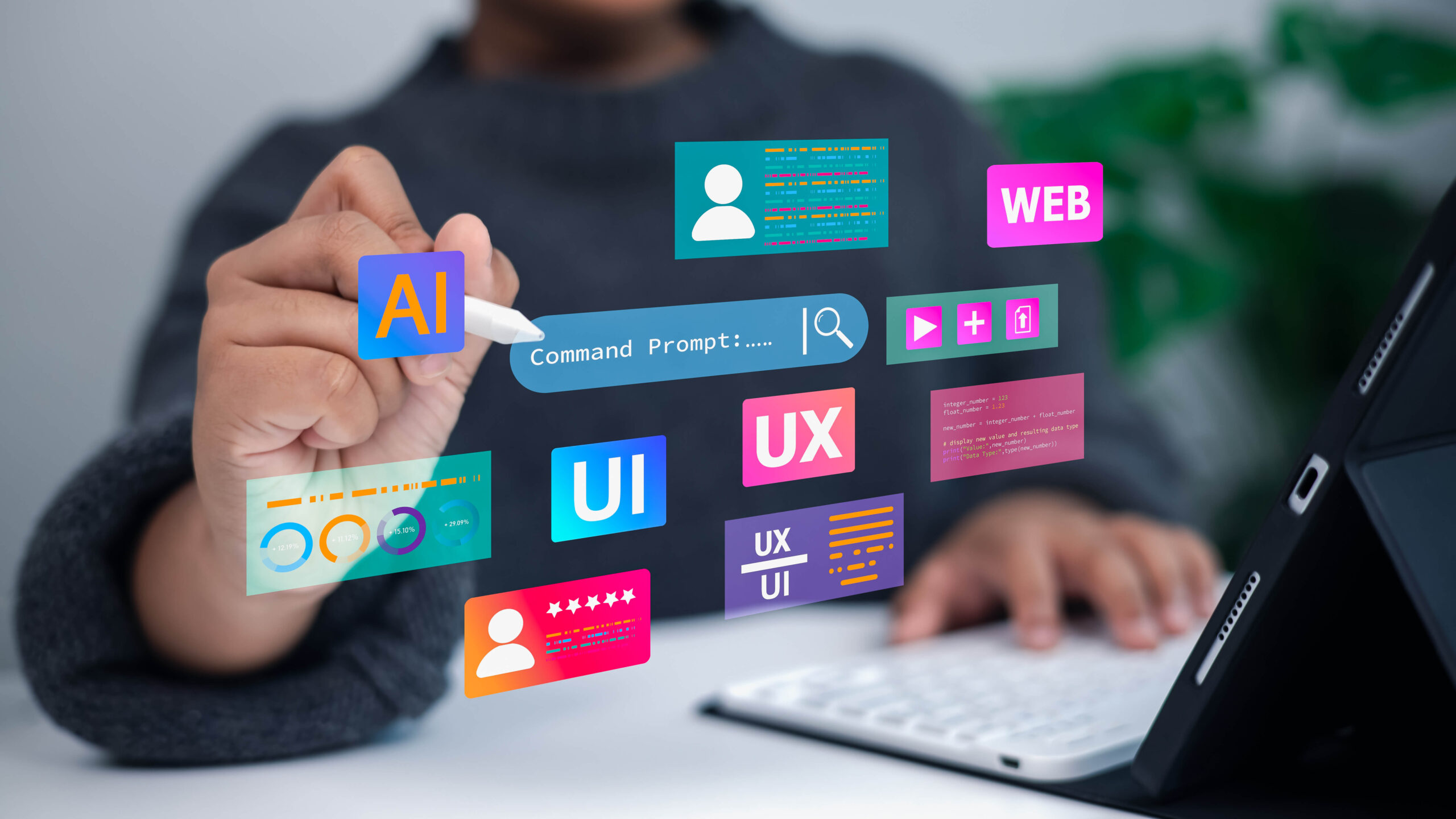
Companies may launch new features at an unrelenting rate, but they often end up failing their products because users struggle to perform even simple tasks.
According to Jakob Nielsen, “The First Law of Usability: Your design will be tested by users — your only choice is whether to run the test yourself before launch so that you can fix the inevitable problems while it’s cheap instead of playing expensive catch-up later.”
Ignoring usability testing can lead to frustration, low completion rates, and expensive rework. Integrating AI into usability testing brings in power. AI can examine behavior at scale and point out trends that humans may miss, but it can also ignore subtlety and conceal the problems that only users can see.
This post will deconstruct the meaning of usability testing, explore how AI enhances it, discuss available tools, and identify pitfalls to avoid. Additionally, we’ll examine how to integrate AI with human judgment to create products that are easy to understand and use, and that are truly human-centred.
Usability testing is a type of testing that allows UX and product designers to experience the product as real people would. It makes them understand how real people use the product.
UX teams may believe their interface is intuitive because it’s visually appealing during planning meetings, but there are many situations where practical use cases test those assumptions.
Usability testing helps you see how users think, feel, and behave using the product. It reveals what hinders and prevents them from doing the important things.
A simple test may be to ask a user to register an account. The facilitator observes the user’s actions and records instances of hesitation or confusion. If the user searches for the signup button in the wrong spot, you’ll know that the interface does not follow the user’s mental model.
These observations will help you redesign flows to align with the way users naturally think and behave.
Another example is checkout. A major reason for failure here could be long or unclear forms. A usability test will show exactly where people stop. Sometimes, they cannot find the shipping information. Sometimes they do not see why an item was placed on a different line.
Here’s where we learn what leads to specific design reflections that result in conversions and reduced frustration. Usability testing can reveal that clarity does not stem from intention, and that knowledge was gained from direct observation. As a result, you’ll design products that are simple and considerate of people’s time.
Usability testing involves human-computer interaction with a design
Although often used interchangeably, user testing and usability testing differ in their purposes. The difference is relevant in that each answers a different question.
User testing helps teams prove value. It provides answers to questions like: Do people desire this idea? Does it solve a real problem? Would they pay for it?
Think of a solution like a meal-planning application. User testing involves finding out how badly people need this solution. It confirms the viability of an idea before the team invests in development.
Usability testing involves human-computer interaction with a design. It answers questions like: Can people complete tasks? Are they familiar with the interface? Is the experience natural and intuitive?
The same meal planning application could pass user testing but fail usability testing. For example, users may experience difficulties with navigation, such as being unable to find recipes or create meal plans. Then, instead of the app solving the problem, it becomes redundant.
Both tests are relevant in developing a quality product. Validation of the idea encourages the creation of the solution. Validating user experience ensures client satisfaction.
AI usability testing is an improvement on the traditional usability process. It involves using artificial intelligence to monitor patterns, assess the quality of designs, and identify problems. AI does not supersede human intuition. It increases the scope of research.
An AI model can process hundreds of recordings of sessions within minutes and point to where users pause or scroll back and forth.
A researcher could identify these problems through manual review of the recordings. However, it would require days of work to accomplish the same task. AI can also give predictive insights.
It is now possible to have tools that analyze a prototype and predict the areas users will examine the most initially, where they may have problems, and what might be the least attention-grabbing elements.
Early design follows these predictions before teams invest resources in development. AI usability testing also helps to analyze emotions. Others can analyze the tone of voice used in interviews and categorize emotions such as frustration, confusion, or delight.
Although AI does not interpret emotion perfectly, it provides the researchers with an initial point to explore more profound patterns. AI supplements humans. It accelerates the analysis process, reveals latent patterns, and assists groups in working with greater confidence.
The process is still driven by researchers, because a live interaction with people gives depth that AI cannot analyze.
Tosca, while it’s not a usability testing tool, it helps augment the AI-based usability workflow. You can use its Vision AI to run end-to-end flows and capture stable UI states.
Using the screenshots and interaction data, an external AI model can derive usability issues like clarity, accessibility, or UX problems.
Maze is a prototype testing system that allows for performing AI-assisted task analysis, heatmaps, and path summaries. With Maze, you do not wait to develop and later validate ideas.
Hotjar uses heatmaps, recordings, and AI summaries to show where users are hesitant, where they misclick, or where they leave without finishing tasks. Its insights allow you to figure out where users experience friction.
AI usability testing has several benefits:
Here are some best practices to follow:
AI identifies trends but cannot fully comprehend human reasoning and emotional complexity
AI cannot completely replace human-led usability testing. Usability is about perception, emotion, and intention. Understanding these qualities requires humans. AI identifies trends but cannot fully comprehend human reasoning and emotional complexity. The most effective research process is one that combines human observation with the speed of AI.
The AI is a potent collaborator. It determines trends, accelerates analysis, and reveals insights to inform investigation. Researchers introduce empathy, context, and critical thinking.
To create products that are easy to use and understand, it’s now advisable to integrate AI knowledge with human-guided usability testing.
The combination of the two will provide you with clarity and sharpness in your design choices, making your users successful each time they use your product. Consider adding Tosca to your usability toolbox and observe how much more efficient your testing workflow becomes.
This post was written by Mercy Kibet. Mercy is a full-stack developer with a knack for learning and writing about new and intriguing tech stacks.
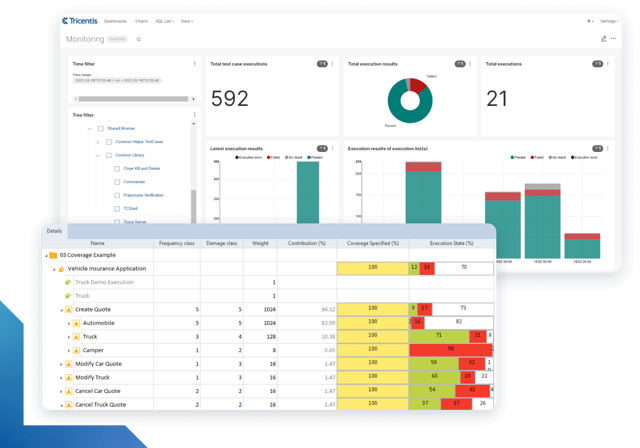
Learn more about intelligent test automation and how an AI-powered testing tool can optimize enterprise testing.
Learn more about intelligent test automation and how an AI-powered testing tool can optimize enterprise testing.